CommandBacktick.
A minimal, fully open-source native macOS task switcher for windows across desktops.
The idea
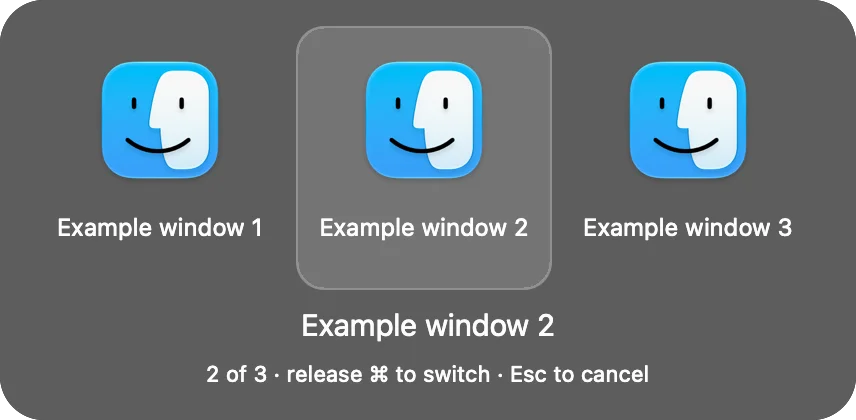
Native ⌘ + ` doesn’t switch desktops. CommandBacktick extends that shortcut with a minimal native macOS menu-bar app built in Swift and AppKit. Browse an app’s windows across desktops, then release Command to select. The code is fully open source under the MIT license, with no third-party dependencies.
Built with
- Swift
- AppKit
- macOS Accessibility
- Apple Events
One familiar shortcut
Hold ⌘ and tap ` to browse, add Shift to go backward, then release ⌘ to switch. Escape cancels.
Across desktops and groups
Current-desktop windows come first, followed by the app’s windows elsewhere. Stage Manager support includes other apps in the visible group.
Minimal and local
The overlay shows app icons, window titles, and optional Chrome profile pictures. No window thumbnails, Screen Recording permission, or network requests.